CCV Order sync
As soon as a new order is created we create the order in our database.
When the order status switches to Paid in CCVshop our app will be notified and push the order to the eWarehousing WMS.
There will be an update shown within the history status if the order is successfully pushed:
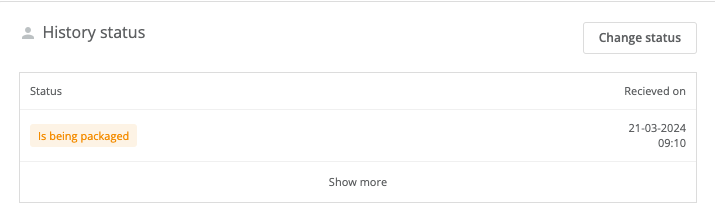
In case the order could not be pushed to the eWarehousing WMS due to an error then the message and status of the order will be updated accordingly. This will look as shown below:
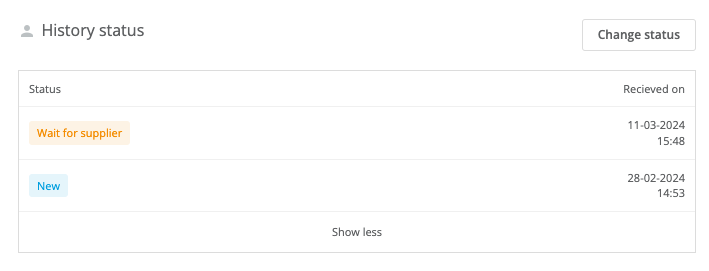
The Notes section of the order will also be updated with the error that occured when pushing the order.
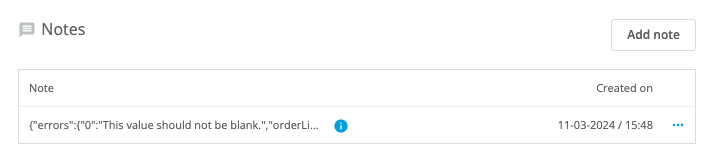
When the issue is resolved, change the order status to New and the order will be pushed to the eWarehousing WMS again.
Tracking
When the order gets processed by eWarehousing, our app will update the order status accordingly in CCV and keep everything in sync.
If an order is shipped by eWarehousing our app will also provide the order with a track and trace code shown below:
