Order sync
As soon as a new order is created we check if this order should be sent to the eWarehousing WMS by the following criteria:
The order does not have the status Delivered
The order does equal the status filled in within the eWarehousing configuration screen:

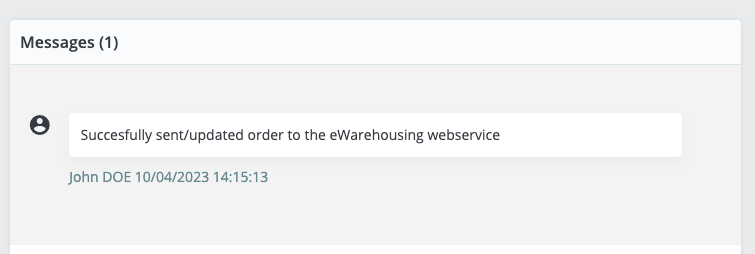
If all the above criteria match the order information then the order will be pushed to the eWarehousing WMS automatically. There will be an update shown within the message list if the order is successfully pushed:
In case the order could not be pushed to the eWarehousing WMS due to an error then the message and status of the order will be updated accordingly. This will look as shown below:
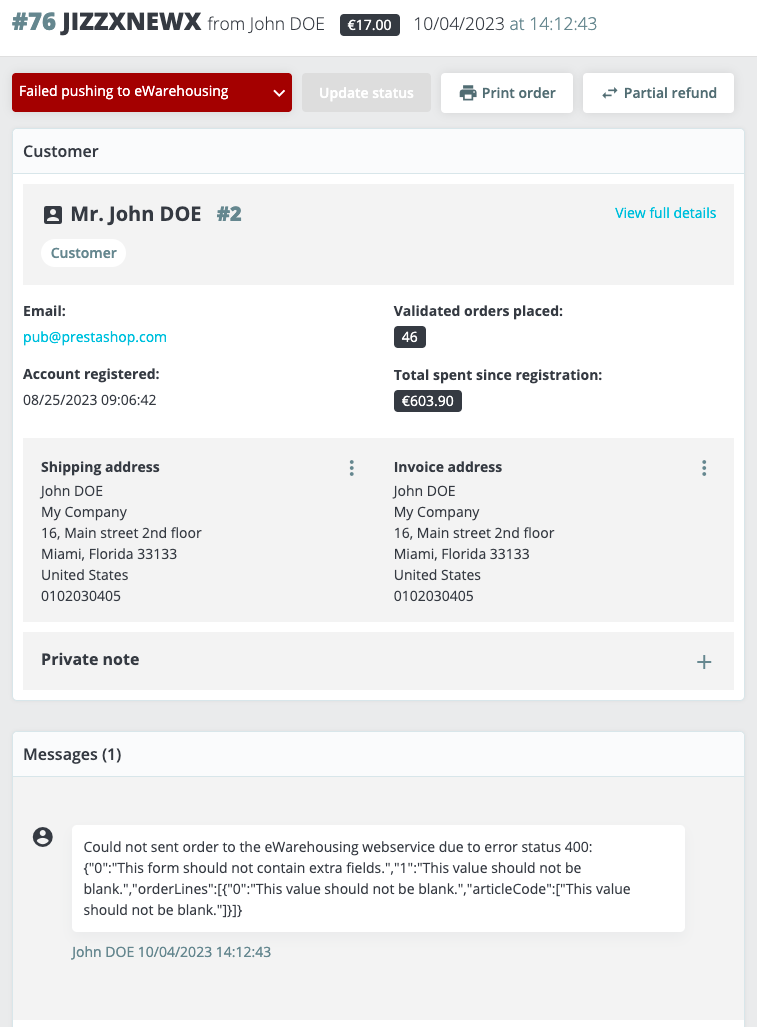
The message log will show you a detailed response message as to what went wrong to act accordingly.
Failed orders to the eWarehousing will be categorized separately in the backlog of the Prestashop eWarehousing connection module and will be retried automatically.